
50 video lessons14 focused modulesApproximately 6h 42m1 Ableton Live Set + 1 WAVFull lesson free
50-Lesson Schranz Masterclass
Learn the workflow by finishing the track.
Follow one Schranz record from Ableton setup and kick construction through vocals, breakdowns, drops, Serum 2 sound design, arrangement, mixing, mastering, export, release, and promotion. The complete course runs approximately 6 hours 42 minutes and includes one Ableton Live Set plus one project WAV.
- 50
- Practical lessons
- 14
- Focused modules
- 6h
- Approximate runtime
Watch a full lesson free
Course curriculum
01 Crash CourseLessons 1–7 · 7 lessons
A practical Ableton and Schranz foundation so newer producers can follow every decision later in the course.
- V1 — Project management: downloading, opening, and saving
- V2 — Ableton overview: what to look for in the DAW
- V3 — Audio tracks, MIDI tracks, groups, and the main channel
- V4 — Audio effects versus instruments
- V5 — What plugins are
- V6 — Songwriting, sound design, mixing, and mastering
- V7 — What Schranz is and how it differs from hard techno
02 Project OverviewLessons 8–11 · 4 lessons
See the finished project first, learn the sound vocabulary, and establish the arrangement roadmap before rebuilding the track.
- V8 — Listen to the song and tour the project
- V9 — Sound glossary: break down every sound
- V10 — BPM, key, and DJ-friendly arrangement choices
- V11 — Roadmap the arrangement with a reference track
03 The Foundation and DrumsLessons 12–19 · 8 lessons
Build the attack, body, and rumble; layer and process the drives; then turn the drum system into a working intro.
- V12 — The three parts of a Schranz kick: attack, body, and rumble
- V13 — Build a kick by layering attack, body, and rumble
- V14 — Mix the kick with per-layer and bus processing
- V15 — Layer hat-style, noisy, and percussive drives
- V16 — Process the featured hat-style drive
- V17 — Process the drive bus with Drum Buss, EQ, saturation, and sidechain
- V18 — Add the percussion loop and 909 ride
- V19 — Arrange the intro and automate the high-pass release
04 VocalLessons 20–21 · 2 lessons
Find, place, warp, and process a vocal so it drives the arrangement without fighting the drums.
- V20 — Find, audition, warp, and place the vocal
- V21 — Process the vocal with echo, EQ, distortion, filtering, and sidechain
05 Breakdown and BuildupLessons 22–24 · 3 lessons
Pull the energy down with purpose, then rebuild tension through drums, filtering, FX, and vocal movement.
- V22 — What a breakdown is and how this breakdown works
- V23 — Build the buildup drums and snare build
- V24 — Add classic Schranz filtering, build effects, and vocals
06 The DropLessons 25–28 · 4 lessons
Design the pre-drop, arrange the drums, create vocal call-and-response, and control the energy on the way out.
- V25 — Build the pre-drops
- V26 — Arrange the drop drums and fills
- V27 — Make a vocal chop for classic Schranz call-and-response
- V28 — Build the drop outro and transitional synth movement
07 MelodiesLessons 29–32 · 4 lessons
Use practical music theory, MIDI, and Serum 2 to build the lead, stab, and pad that open the track into its melodic phase.
- V29 — Practical music theory for the track
- V30 — Build the main lead with MIDI and Serum 2
- V31 — Build the stab with MIDI and Serum 2
- V32 — Build the pad with MIDI and Serum 2
08 Second Breakdown and BuildLessons 33–34 · 2 lessons
Reveal the melodies with automation and create a second build that raises the stakes without repeating the first.
- V33 — Build the second breakdown and reveal the melodies
- V34 — Build new tension into the second drop
09 Drop 2Lessons 35–36 · 2 lessons
Arrange the second drop and push the synths from breakdown contrast into a direct, peak-energy payoff.
- V35 — Arrange the second drop and its drums
- V36 — Arrange the synths for an in-your-face second drop
10 OutroLesson 37 · 1 lesson
Strip the arrangement back down and create a DJ-friendly exit that mirrors the track's intro.
- V37 — Strip elements away and bring the energy back down
11 Arrangement OverviewLesson 38 · 1 lesson
Review the complete DJ-friendly arrangement and see how every energy decision connects across the full record.
- V38 — Complete DJ-friendly arrangement walkthrough
12 Mixing and MasteringLessons 39–45 · 7 lessons
A focused mini-masterclass on gain staging, EQ, saturation, sidechain, bus processing, and the final master.
- V39 — Mixing versus mastering
- V40 — Gain stage the track
- V41 — Use EQ across the project
- V42 — Apply saturation and clipping
- V43 — Use sidechain compression in the project
- V44 — Process buses and groups
- V45 — Master the finished track
13 Releasing MusicLessons 46–48 · 3 lessons
Export the right files, get the record released, and understand what promotion and early releases should realistically accomplish.
- V46 — Export the full track, premaster, and stems
- V47 — Release the track and use fast releases to learn
- V48 — Promote the song and set realistic expectations
14 Closing ThoughtsLessons 49–50 · 2 lessons
Finish with the practical habits and perspective that make the entire workflow repeatable beyond one project.
- V49 — Ten essential tips for becoming a better music producer
- V50 — Closing reflections and next steps
Course outcomes
Learn the decisions that finish the record.
The course connects sound design, arrangement, mixing, delivery, and release inside one complete Schranz production instead of separating them into unrelated tutorials.
Build the drums
Construct the kick, layer drives, add percussion, and turn the rhythm system into an intro.
Control the energy
Write breakdowns, buildups, pre-drops, drops, fills, transitions, and a DJ-friendly outro.
Design the synths
Use MIDI and Serum 2 to build the main lead, stab, pad, and supporting movement.
Finish the arrangement
Connect two drops, reveal melodic contrast, and review the complete record as one energy arc.
Mix and master
Apply gain staging, EQ, saturation, sidechain, group processing, and final mastering decisions.
Export and release
Prepare the full track, premaster, and stems, then understand release and promotion basics.
Course deliverables
Follow one record from setup to release.
The Schranz Masterclass contains 50 practical lessons arranged into 14 modules, one Ableton Live Set, and one project WAV. The course follows one record through setup, drums, vocals, breakdowns, drops, Serum 2 sound design, arrangement, mixing, mastering, export, release, and promotion.
- Video Lessons 50Practical instruction built around one complete record.
- Course Modules 14From setup and drums through release and promotion.
- Approximate Runtime 6h 42mA complete start-to-finish workflow.
- Ableton Live Set 1Open the included course project inside Ableton Live.
- Project WAV 1Reference the finished audio while you follow the course.
- Ableton Live Version 12.4The project uses Serum 2 and Serum 2 FX.
Diablo 3
UPGRADE TO DIABLO 3
Producer proof
A workflow you can repeat after the course ends.
See how Raveyard producers use practical, start-to-finish instruction to turn isolated techniques into complete records.

NICO MORENO

“"Raveyard is my go to for high quality sounds and creative inspiration."”

GRAVEDGR
“Any sound i want or need to get a song started or take older id's to the next level, its right there...”
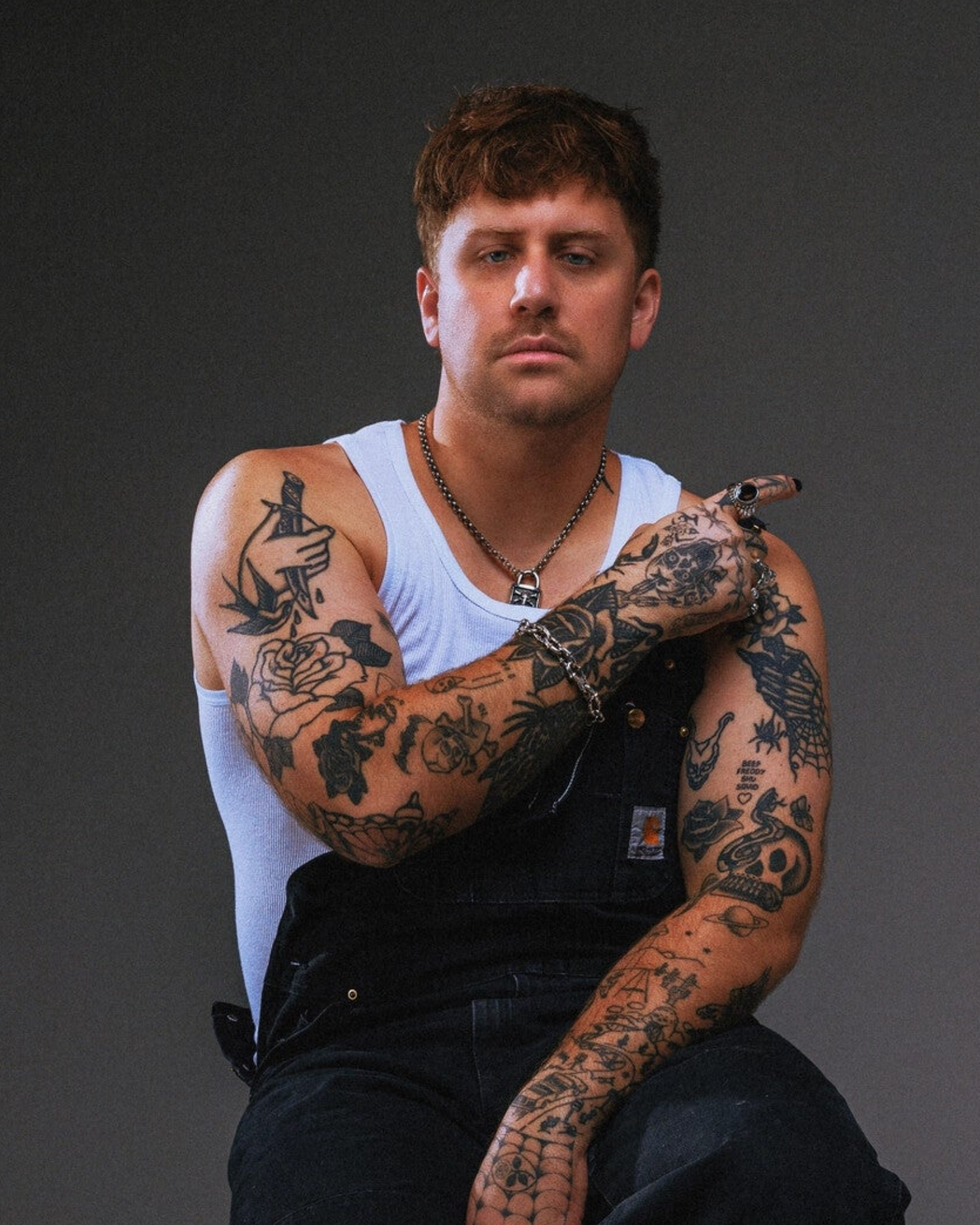
Kayzo
“The raveyard sounds Diablo 3 pack is its best yet. A cut above the rest of sample packs out there. I find myself with endless amount of creative opportunity.”

HOLY PRIEST
“"Love their packs. Very Versatile, Very Unique <3 Use them all the time in my productions."”

VENDEX
“"Really insane sound design, perfect for me to express my Khaos in its full potential."”

TRIPTYKH
“The sound design and variety of the new pack is insane! Raveyard’s fueling my next bangers.”
Customer reviews
Real producer reviews.
Real customer reviews show how producers are using these sounds in actual sessions, releases, and live workflows.
FAQ
Questions before checkout.
Quick answers for access, licensing, compatibility, and what happens after purchase.
What does the Masterclass cover?
How long is the course?
What files are included?
Which software is used?
How is the course delivered?
Schranz Masterclass
Stop collecting tutorials. Finish the record.
Get the complete 50-lesson Schranz Masterclass, 14-module curriculum, one Ableton Live Set, and one project WAV—then follow one track from setup through release.

Instant accessRoyalty-free for released music1 Ableton Live Set + 1 project WAV